Tutorials

This demo uses MultivendorX plugin. After plugin installation, make sure that it created Vendor dashboard page and vendor registration page.

Then, in settings of plugin, Enable Widget in Store settings, enable Old West (or other design) and Sidebar. Set sidebar to left part.

Now, visit Appearance – widgets and Add Vendor widgets (vendor categories, vendor contact, etc)

Here also some general tutorial which you need to setup vendor’s site

MISSION

Becoming Better Together’s mission is to help the homeless and other at risk persons rebuild their lives.

100% of all “HELP US” donations will be used to purcahse supplies for our Activity Therapy program, and pay the fixed expenses which must be paid if we are to help the homeless and other ar risk persons rebuild their lives.

* This is an inactive placeholder / layout link we’re using to build the page. No donations can be made until it is activated on the final version of the page.

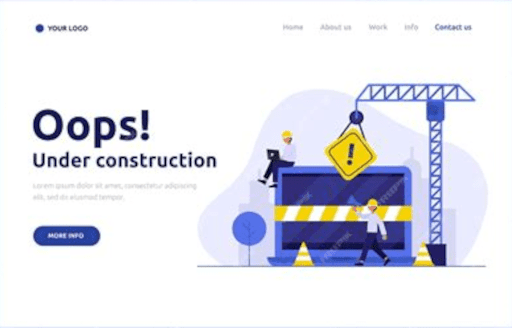
web-site-construction-oops_300dpi_512x328.png

Our primary monetizing theme broke in all 5 hubs and could not be recovered. So, we’re currently rebuilding with a new, and much better theme.

Come back soon to see the rebuilt site

Copyright © 2024 – 2026 LJ Stevens. All rights reserved.

Tech Guru & Co.

MARKET
Logo
Compare items
  • Total (0)
Compare
0
Shopping cart